Working Around LinkedIn
Working around LinkedIn
The vast majority of my LinkedIn posts fall under one of the topics I write about here:
- Sport;
- Learning;
- Taking part in the Digital Business Leaders club;
- Taking part in the “я-ИТ-ы” community;
- Books, libraries, digitisation and copyright;
- Mechanical watches;
- Club Med and travel;
- The SaaS startup Rently;
- Various aspects of how LinkedIn works;
- Friday mood. Come to think of it, I have not written anything on that topic for quite a while 🤔
In each post, I link to the previous one on the same topic. That post links to the one before it, and so on. I believe that if someone becomes particularly interested in a topic, these “breadcrumbs” will help them piece together the full picture.
I also try to include one or more photographs with every post.
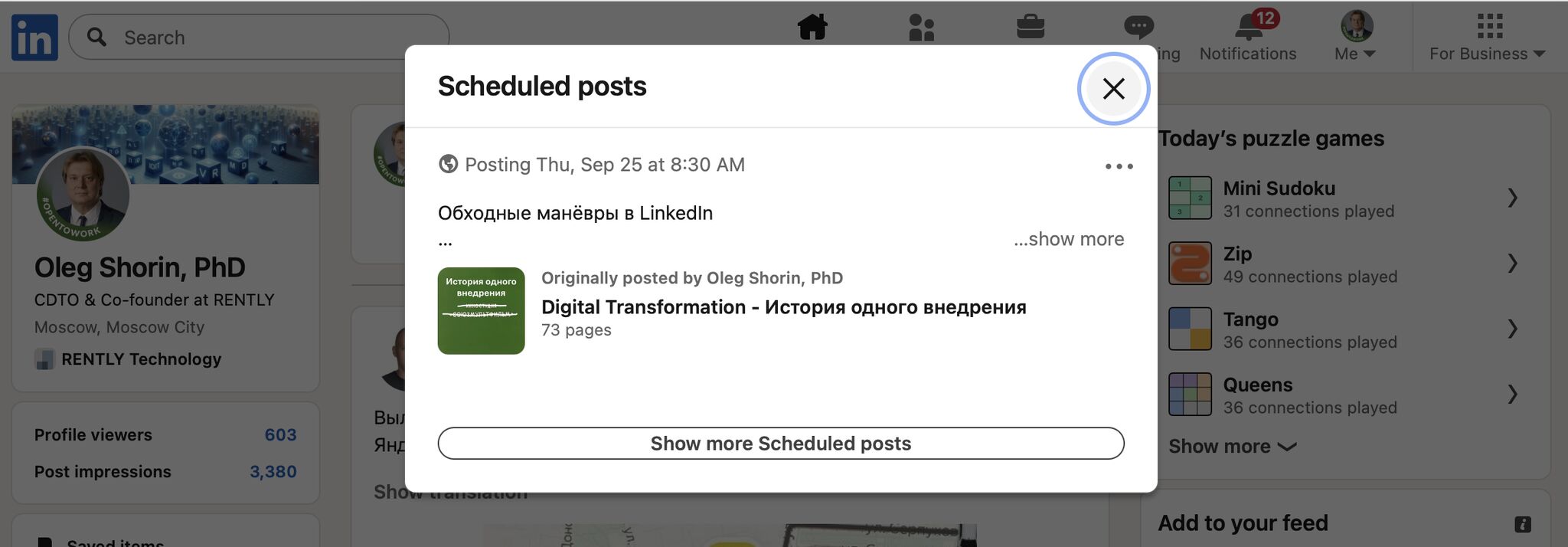
Some time ago, I noticed that LinkedIn had started behaving strangely whenever I tried to add a photograph to a post containing links to earlier posts: it simply would not attach the new image. LinkedIn would take an image from the linked post and ignore the new photograph.
I found a workaround for this limitation, although I have no idea how long it will keep working…
Here is what I do:
- Write the post as usual;
- If the photograph does not attach, schedule the post instead of publishing it immediately. You can schedule it for, say, half an hour later;
- Open the scheduled posts section and choose to edit the post;
- This time, the photograph attaches correctly.
If you see a new image on this post rather than one from an earlier post, the workaround still works ;))